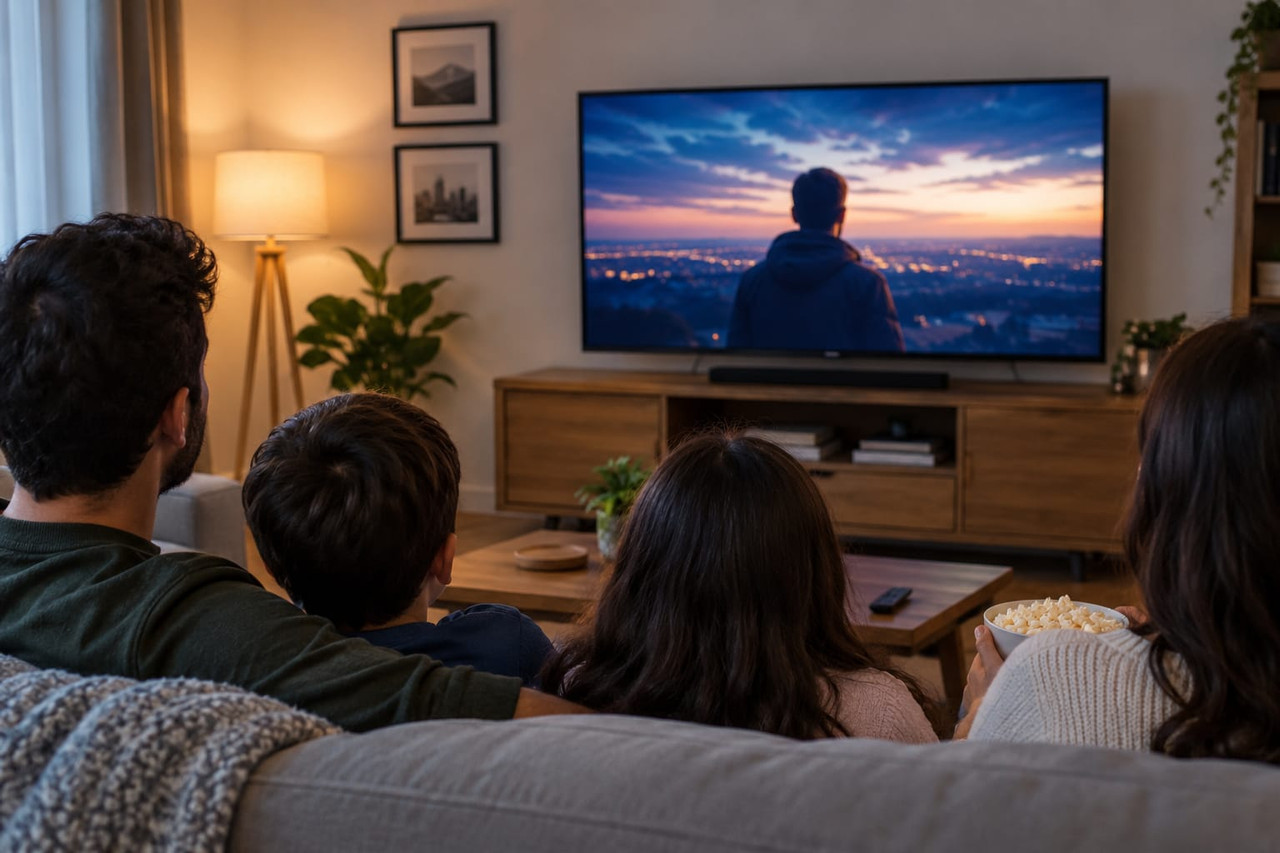
Television has changed dramatically with the growth of internet streaming. Today, viewers can watch live television, sports, movies and series through an internet connection instead of relying only on traditional cable or satellite services. This technology is known as IPTV.
But what exactly is IPTV, how does it work, and what do you need to start watching? Whether you are completely new to IPTV or looking into an IPTV subscription for your home, this beginner-friendly guide covers the basics in simple terms.
For viewers searching for IPTV UK, the same technology can provide access to a wide range of television and entertainment content, depending on the service and the broadcasting rights available.
📑 What You'll Learn in This Guide
How Does IPTV Work?
IPTV stands for Internet Protocol Television. Unlike traditional television, which uses terrestrial signals, satellite connections or cable networks, IPTV delivers television and video content through the internet.
📡 The basic process looks like this:
IPTV Service → Internet Connection → IPTV Player → Compatible Device → Your Screen
An IPTV subscription provides access to the content offered by a particular service. Depending on the service, you may receive account details or playlist information that can be entered into a compatible IPTV player.
Applications such as IPTV Smarters Pro and TiviMate can provide the interface for organising and viewing compatible IPTV content. These applications are players rather than television broadcasters, meaning they do not automatically provide channels by themselves.
What Can You Watch on IPTV?
One of the main attractions of IPTV is the variety of content that can be available through an internet-based television service.
Depending on the service you choose, an IPTV subscription may provide access to different categories of content, including:
- 📺 Live TV
- 📰 News
- 🎭 Entertainment
- 🎬 Movies
- 📺 TV series
- ⚽ Live sports
- 🌍 International television
Benefits of IPTV
There are several reasons why IPTV has attracted attention from television viewers around the world.
Flexible Viewing
IPTV allows compatible content to be delivered through an internet connection, giving viewers another way to access television without relying solely on traditional broadcasting methods.
Different Devices
IPTV can be used on many modern internet-connected devices, including Smart TVs, Android TV, Amazon Fire TV, smartphones, tablets, and computers.
What Do You Need to Use IPTV?
Getting started with IPTV is generally straightforward. You need a few basic things:
- A Reliable Internet Connection — HD and 4K streaming require sufficient bandwidth.
- A Compatible Device — Smart TV, Firestick, Android, iPhone, PC, etc.
- An IPTV Subscription — Access to a service that provides the content you want.
Why Is IPTV Becoming Popular?
The way people watch television has changed as internet streaming has become part of everyday entertainment. Viewers are now accustomed to watching content on Smart TVs, streaming devices, smartphones and computers. IPTV fits naturally into this changing viewing environment.
How to Get Started With IPTV
If you are interested in trying IPTV, the first step is to decide what you want to watch.
Step 1: Choose Your Device
Decide where you want to watch IPTV — Smart TV, Firestick, smartphone, tablet, or computer.
Step 2: Choose an IPTV Service
Research the available services and compare their content, supported devices, pricing and terms.
Step 3: Select an IPTV Subscription
Choose an IPTV subscription based on your actual viewing requirements rather than simply choosing the package with the largest number of channels.
Step 4: Install a Compatible IPTV Player
Depending on your device, you may be able to use an application such as IPTV Smarters Pro or TiviMate.
How to Choose an IPTV Subscription
Choosing the right IPTV subscription involves more than looking at the number of channels advertised. Consider these factors:
- Content — Does it provide the channels and sports you actually watch?
- Device Compatibility — Does it work with your devices?
- Streaming Quality — Is 4K and FHD available?
- Reliability — Is the service consistent and stable?
- Customer Support — Is help available when you need it?
- Legitimate Content — Does the service have proper licensing?
IPTV Smarters Pro and TiviMate
IPTV Smarters Pro and TiviMate are popular applications that can be used to organise and access compatible IPTV content. They are players, not services. You need a separate subscription that supplies the content.
Is IPTV Legal?
IPTV itself is a technology, so using IPTV is not inherently illegal. The important factor is whether the service has the appropriate rights to distribute the content it provides.
✅ Key Point: Choose a service that is transparent about its content and licensing.
Final Thoughts
IPTV has changed the way television can be delivered by using the internet instead of relying exclusively on traditional cable, satellite or terrestrial broadcasting.
With a suitable device, reliable internet connection and an IPTV subscription, viewers can access compatible live TV, sports, movies, series and other entertainment.
🎯 The Bottom Line: Choose an IPTV service based on quality, reliability, compatibility and legitimate content, rather than simply the number of channels advertised.